AI Add Receipt to QuickBooks & OneDrive
QuickBooks Receipts + OneDrive Template
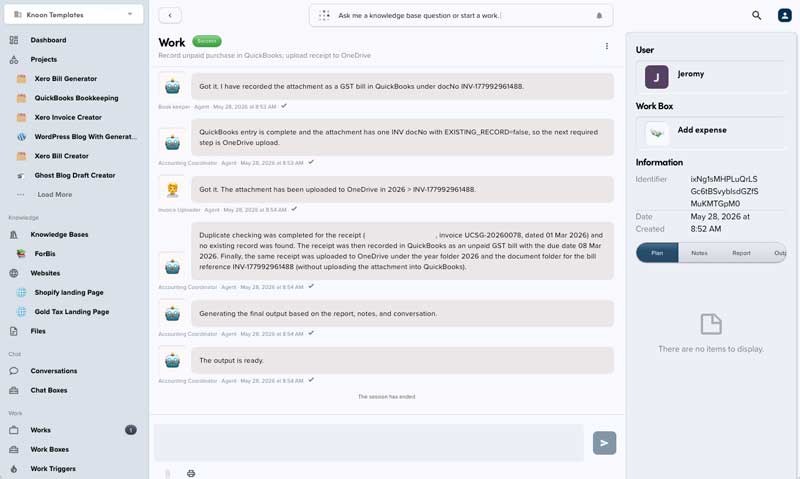
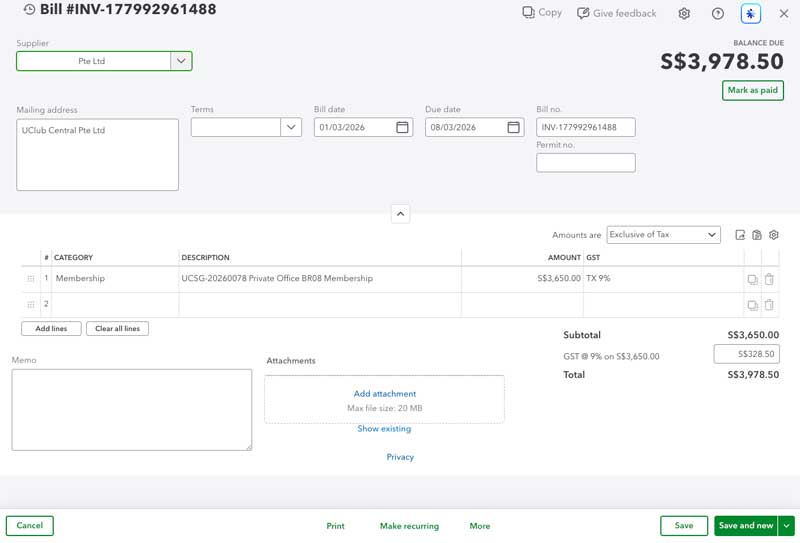
Automatically process purchase receipts into QuickBooks with duplicate detection, GST-aware expense recording, and organized OneDrive attachment filing.
What It Includes
Add receipt: Records a paid purchase receipt in QuickBooks and files its attachment in OneDrive.Check receipts: Reviews previously processed receipts and helps identify possible duplicates.
Taxation
Before using this template, confirm the QuickBooks tax codes that apply to your receipts.
Use the tax names and codes shown there during the setup. For GST/VAT-registered businesses, select the appropriate GST/VAT code; otherwise, use the relevant non-GST/non-VAT code.
Filing Behavior
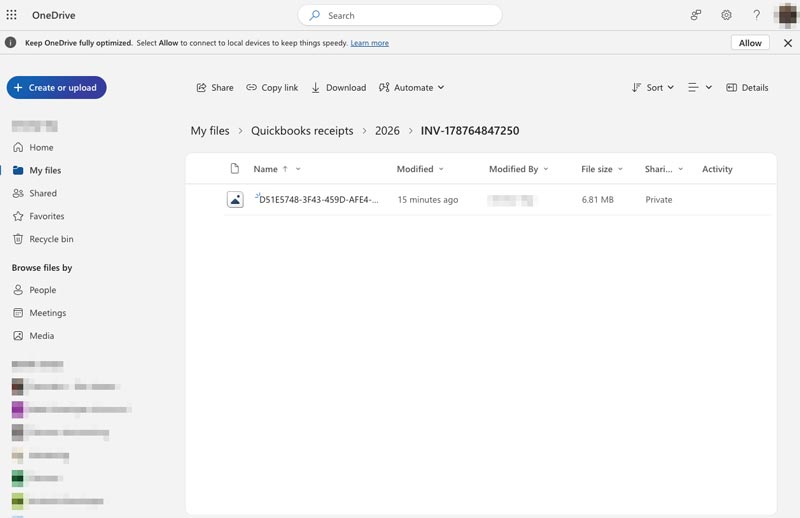
Receipt attachments are stored in OneDrive.
Default folder structure:
```text
<root folder>/<year>/<receipt number>/<uploaded file>
This template deploys automatically to the cloud. No coding, self-hosted n8n setup, or Make.com flows are required. The workflow runs deterministically, so it stays predictable compared with agent-driven tools like Manus, OpenAI, or Tasklet.